

Please note transportation may be modified at this time. Check our Walt Disney World Swan and Dolphin App for the latest hours of operation.
The Walt Disney World Swan and Dolphin is an Epcot® resort hotel. Guests of the resort enjoy complimentary scheduled transportation throughout the entire Walt Disney World® Resort so that you can come and go at your convenience.
Walt Disney World® Resort Transportation
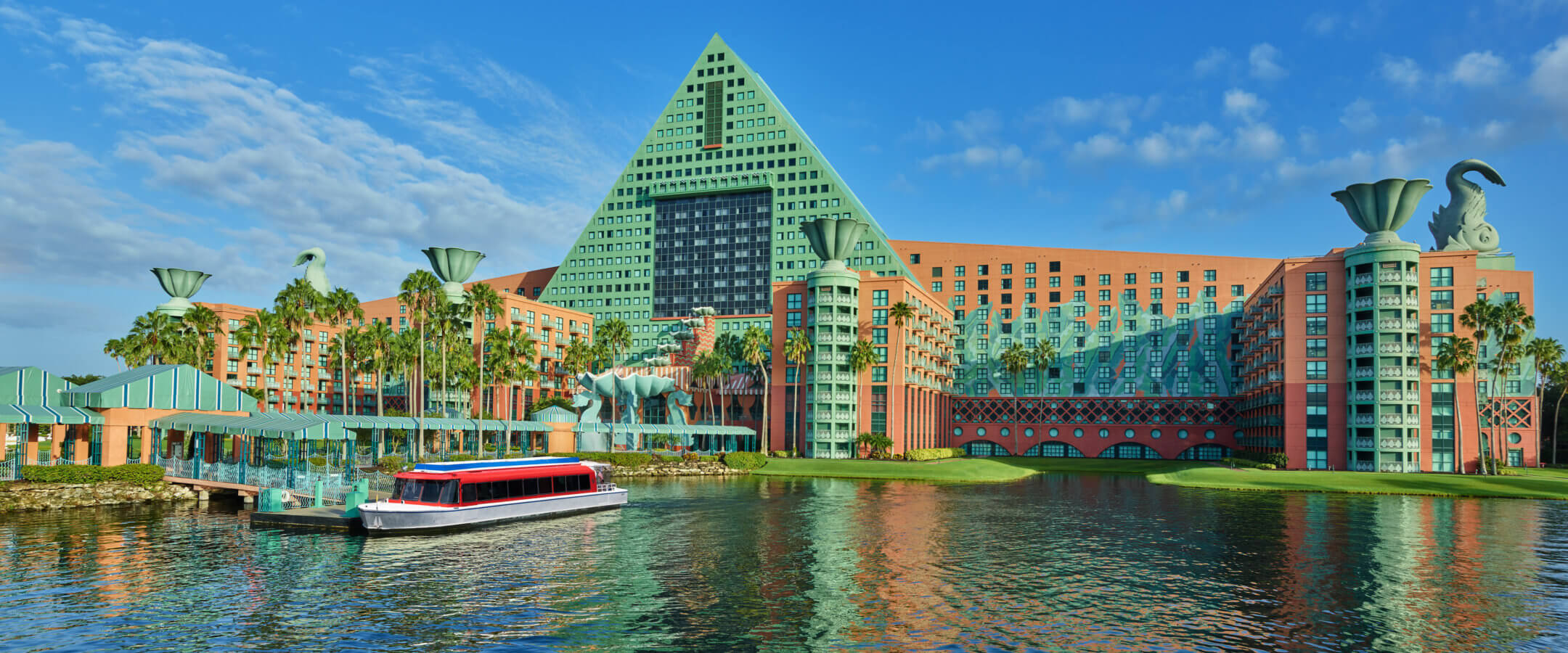
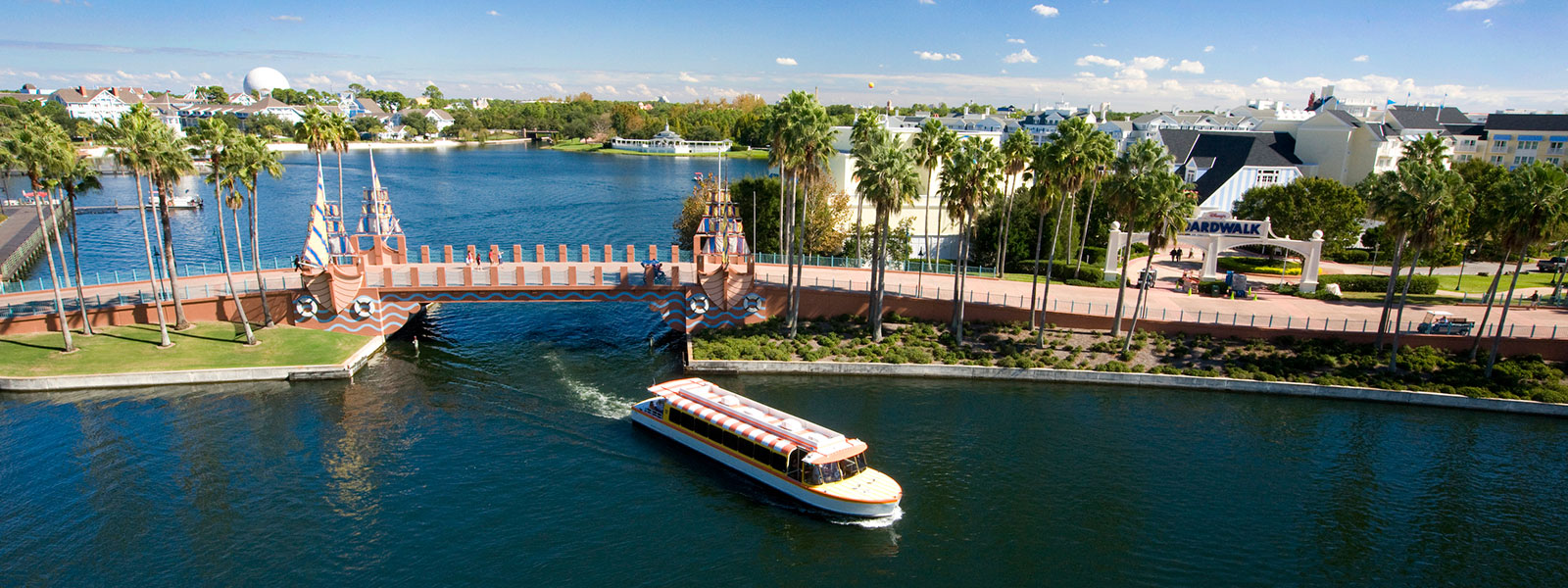
A comfortable water taxi offers access from the Disney resorts’ dock, running approximately every 20 – 25 minutes to and from Epcot® and Disney’s Hollywood Studios™.* Or you can take a leisurely stroll along a series of walkways that will also lead you to the entrance of these two theme parks.
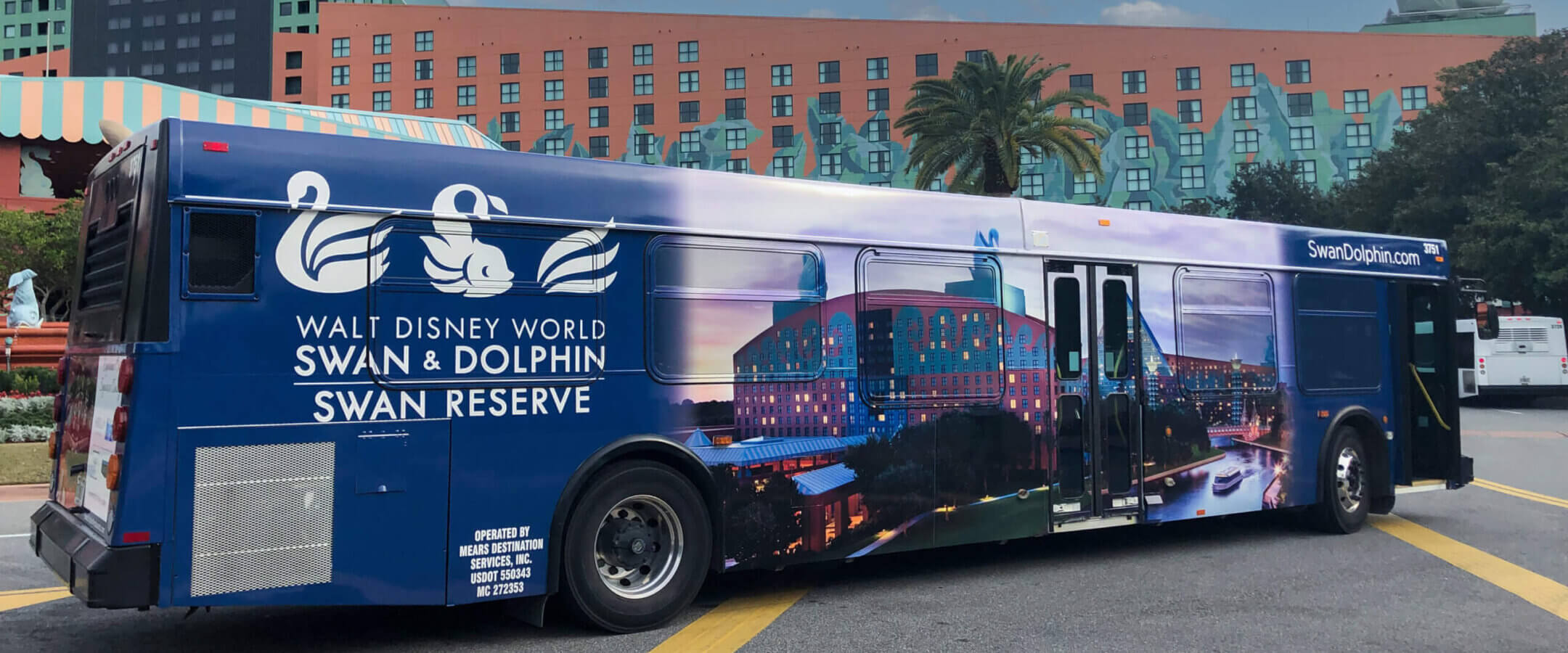
Shuttle buses arrive at the main entrance of each hotel approximately every 20 – 25 minutes to transport guests to Disney’s Animal Kingdom® Theme Park, Disney Springs® area and Magic Kingdom® Park. Guests visiting the Magic Kingdom® Park will be dropped off at Disney’s Ticket and Transportation Center.
There is complimentary parking at Disney Theme Parks with your room key and My Disney Experience App reservation confirmation.
Taxi, Town Car and Limousine
Experience seamless travel with our hotel’s transportation services. Whether you’re arriving, departing, or any time in between, our reliable and comfortable vehicles ensure a stress-free journey. Enjoy the convenience of door-to-door service, professional drivers, and timely pickups, all designed to make your travel experience as smooth as possible. Book your ride today and travel with ease!
For same-day transportation bookings, please contact us at (407) 934-4000 to confirm availability.
Click here to see our frequently asked questions regarding transportation and our TRANSPORTATION REQUEST FORM.
*Boats will not operate during inclement weather and that we offer Disney bus transportation during those times to and from the park.


